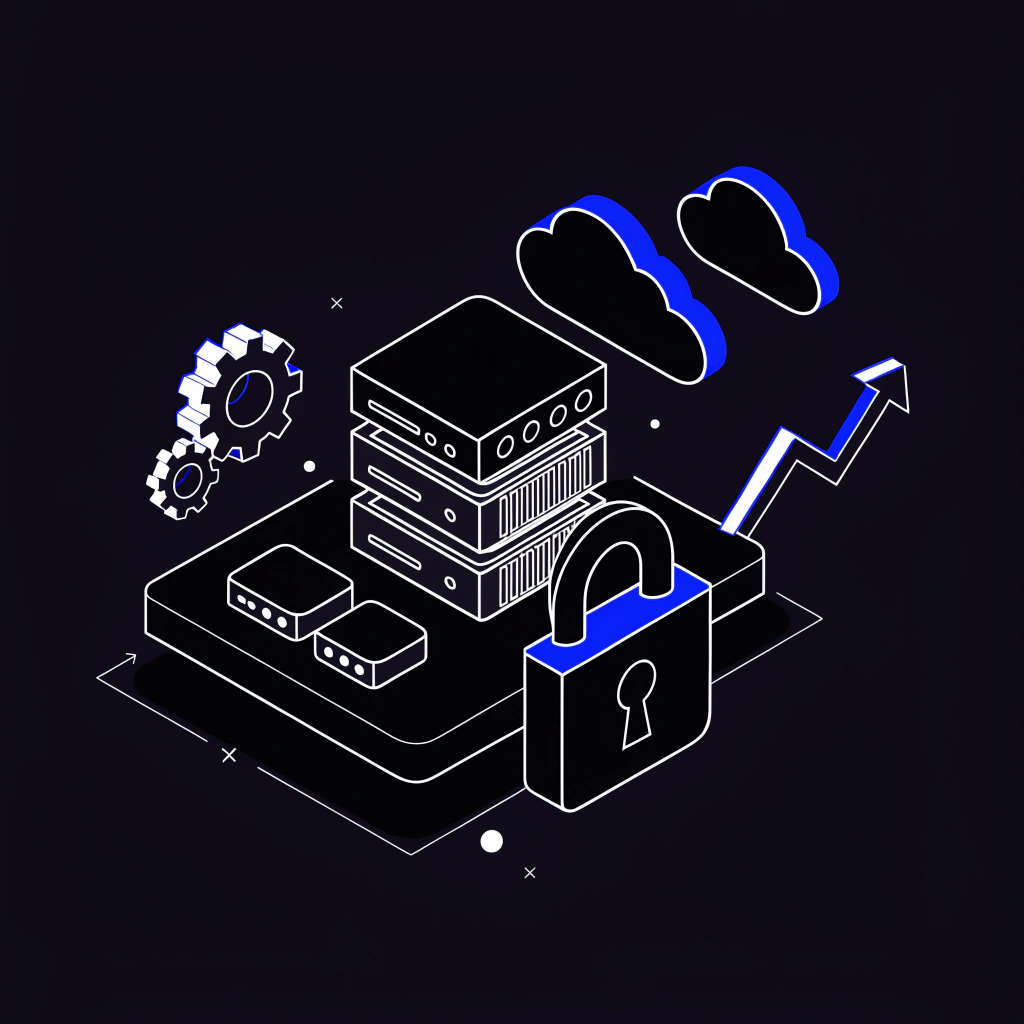
Protecting cloud data requires more than moving information into AWS. Businesses need a clear strategy for access control, encryption, backups, monitoring, and recovery so critical systems remain secure and available.
For small businesses and government contractors, data protection is especially important. A weak cloud setup can create security risks, compliance gaps, recovery problems, and unnecessary business disruption.
CloudLezn helps organizations design AWS environments with practical security controls, operational visibility, and data protection practices built in from the beginning.
Why Cloud Data Protection Matters
Cloud platforms provide powerful security tools, but those tools must be configured correctly. AWS operates on a shared responsibility model, meaning AWS secures the underlying cloud infrastructure while customers are responsible for securing their applications, data, identities, permissions, and configurations.
A strong data protection strategy helps organizations:
- Reduce unauthorized access risks
- Protect sensitive business information
- Improve recovery from accidental deletion or outages
- Support audit and compliance readiness
- Maintain customer and partner trust
- Reduce downtime during incidents
Good data protection is not one single control. It is a combination of policies, architecture, monitoring, and recovery planning.
Start With Strong Identity and Access Control
Identity and Access Management is one of the most important parts of cloud data protection. If users, applications, or services have too much access, sensitive data can be exposed or changed unintentionally.
Best practices include:
- Use least-privilege access policies
- Require multi-factor authentication for privileged users
- Avoid long-term access keys when possible
- Use IAM roles for applications and services
- Review permissions on a regular schedule
- Remove unused users, roles, and credentials
- Separate administrative access from daily-use access
Access should be granted based on business need. Every permission should have a clear purpose.
Encrypt Data at Rest and in Transit
Encryption helps protect data even if storage systems, backups, or network traffic are accessed improperly. AWS provides multiple encryption options across services such as Amazon S3, Amazon EBS, Amazon RDS, AWS Backup, and AWS Key Management Service.
Important encryption practices include:
- Enable encryption for storage services
- Use AWS KMS for key management
- Encrypt backups and snapshots
- Require HTTPS and TLS for data in transit
- Limit who can manage encryption keys
- Rotate and review key access where appropriate
Encryption should be enabled by default wherever possible, especially for systems that store customer, financial, operational, or regulated information.
Protect Data Stored in Amazon S3
Amazon S3 is widely used for cloud storage, backups, documents, logs, and application assets. Because S3 is powerful and flexible, it must be configured carefully.
Recommended S3 protections include:
- Block public access unless there is a clear business need
- Use bucket policies to control access
- Enable default encryption
- Turn on versioning for important buckets
- Use lifecycle policies for retention and cost management
- Enable logging where appropriate
- Use Object Lock when immutability is required
- Review bucket permissions regularly
S3 misconfiguration is one of the most common cloud security risks. Careful access design can greatly reduce exposure.
Build a Reliable Backup Strategy
Backups are a key part of data protection. A business should know what is backed up, how often backups run, how long backups are retained, and how quickly systems can be restored.
A strong backup strategy should define:
- Which systems and data must be backed up
- Backup frequency
- Retention periods
- Recovery time objectives
- Recovery point objectives
- Backup encryption requirements
- Restore testing schedule
- Ownership and escalation procedures
Backups should not only exist. They should be tested. A backup that cannot be restored during an emergency does not fully protect the business.
Use Logging and Monitoring
Data protection also depends on visibility. Businesses need to know when important changes occur, when access patterns look unusual, and when systems may be at risk.
Useful AWS services include:
- AWS CloudTrail for account activity and API events
- Amazon CloudWatch for logs, metrics, dashboards, and alarms
- AWS Config for configuration tracking
- Amazon GuardDuty for threat detection
- AWS Security Hub for security posture visibility
- Amazon SNS for alerts and notifications
Logging and monitoring help teams detect problems earlier and respond before small issues become larger incidents.
Plan for Disaster Recovery
Disaster recovery is the process of restoring systems after an outage, cyber incident, accidental deletion, or infrastructure failure. A cloud environment should be designed with recovery in mind.
Disaster recovery planning should include:
- Critical application inventory
- Backup and restore procedures
- Recovery time objectives
- Recovery point objectives
- Failover planning where needed
- Documentation for response steps
- Assigned roles and responsibilities
- Regular recovery testing
For some businesses, a simple backup-and-restore plan may be enough. For others, a more advanced multi-region or standby architecture may be needed.
Secure Data Across Environments
Many businesses use separate environments for development, testing, staging, and production. Data protection practices should apply across all environments, not just production.
Recommended practices include:
- Separate production and non-production resources
- Avoid using real sensitive data in test environments when possible
- Restrict developer access to production data
- Use separate IAM roles and policies by environment
- Monitor configuration drift
- Keep backup and logging standards consistent
Non-production systems are often overlooked, but they can still create security and compliance risks.
Data Protection Checklist
Use this checklist as a starting point for AWS data protection:
- Enable MFA for privileged users
- Use least-privilege IAM policies
- Encrypt storage, backups, and databases
- Require secure network communication
- Block unnecessary public access
- Enable S3 versioning where appropriate
- Create backup and retention policies
- Test restore procedures
- Enable CloudTrail and monitoring
- Review access and configuration changes
- Document disaster recovery procedures
- Monitor cost, storage, and backup growth
How CloudLezn Helps
CloudLezn helps small businesses and government contractors design secure AWS environments with practical data protection controls.
Our support can include:
- AWS security architecture review
- IAM and access control guidance
- S3 and storage security configuration
- Backup and disaster recovery planning
- Logging and monitoring design
- Encryption and key management guidance
- AWS GovCloud readiness support
- Cloud security and compliance readiness planning
The goal is to help businesses protect important systems while keeping the cloud environment scalable, manageable, and cost-effective.
Conclusion
Cloud data protection requires a complete approach that includes identity controls, encryption, secure storage, backups, monitoring, and recovery planning. When these controls are designed together, businesses are better prepared to protect data, recover from incidents, and operate securely in AWS.
For small businesses and government contractors, strong cloud data protection is not just a technical requirement. It is a business foundation for reliability, trust, and long-term growth.
About CloudLezn
CloudLezn helps small businesses and government contractors design, secure, and optimize AWS environments. Services include AWS cloud migration, application hosting, AWS GovCloud readiness, DevSecOps, cloud security and compliance, FinOps, monitoring, and operations support.
.png)
.png)